
 ♡
♡Skincare / 2 runs
Daily cleanser
Gentle. A little goes a long way.
A little history. A better next choice.
The things you use have a story.
Uselyt helps you remember yours.
In development for iPhone with iOS 17 or later
A memory worth keeping
A photo starts the story. A small check-in adds context. Your verdict makes the next purchase feel a little more considered.
From skincare to things around the home, keep your own experience close. Every bottle, pack and repeat purchase gets its own chapter.
A product, over time
Follow the experience from the first photo to the next time you see it on a shelf.
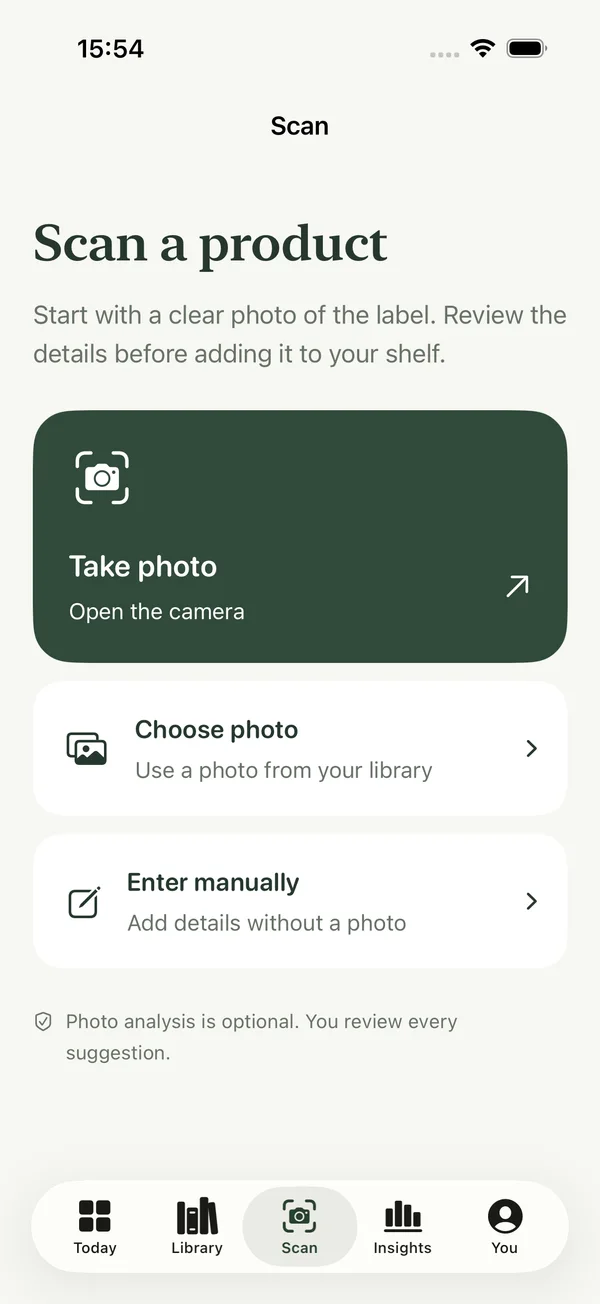
Take a photo, choose one you already have, or add a product manually. Give it a name and category. Save a draft when you need to come back.
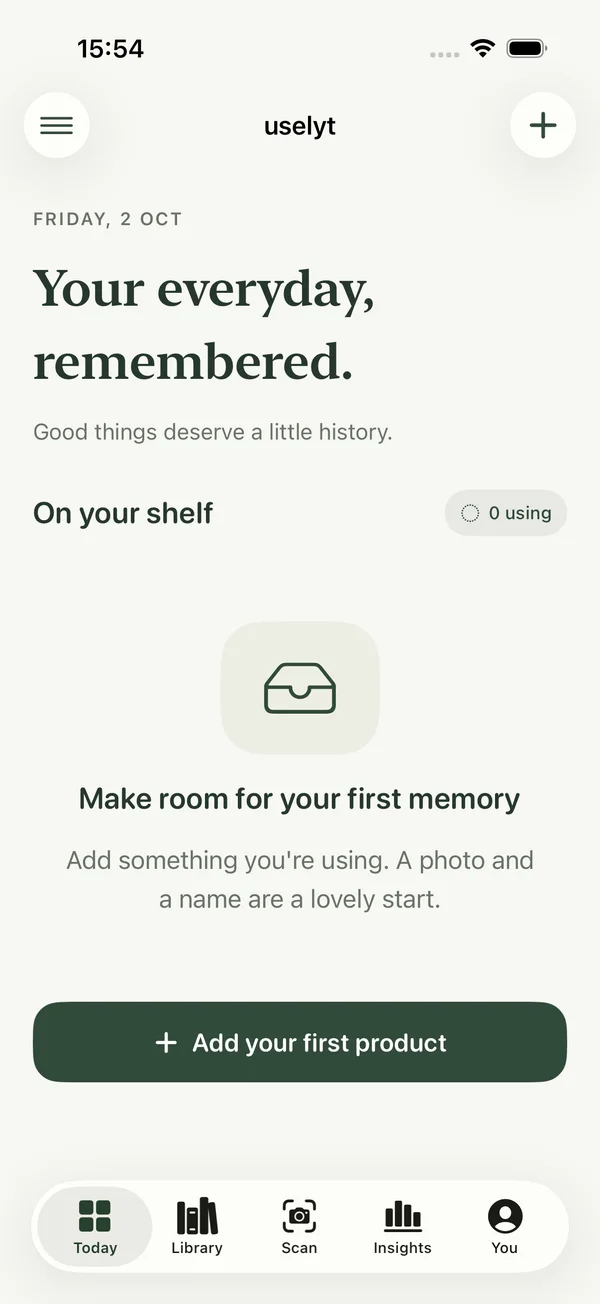
Start now or save for later. Record a quick Like or Not for me, a personal note, and your own estimate of how much remains. Check in when you have something to say.
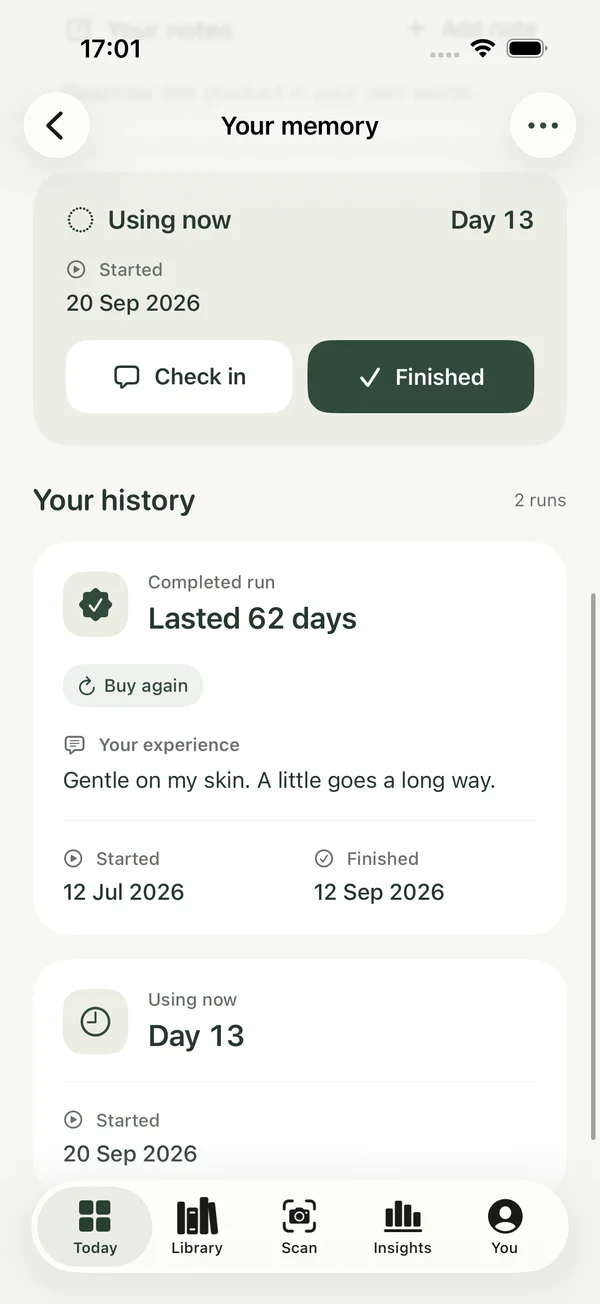
Record when you finished and how it worked for you. Choose Buy again, Maybe or Never again. Mark a favorite separately. Your words matter more than a star rating.
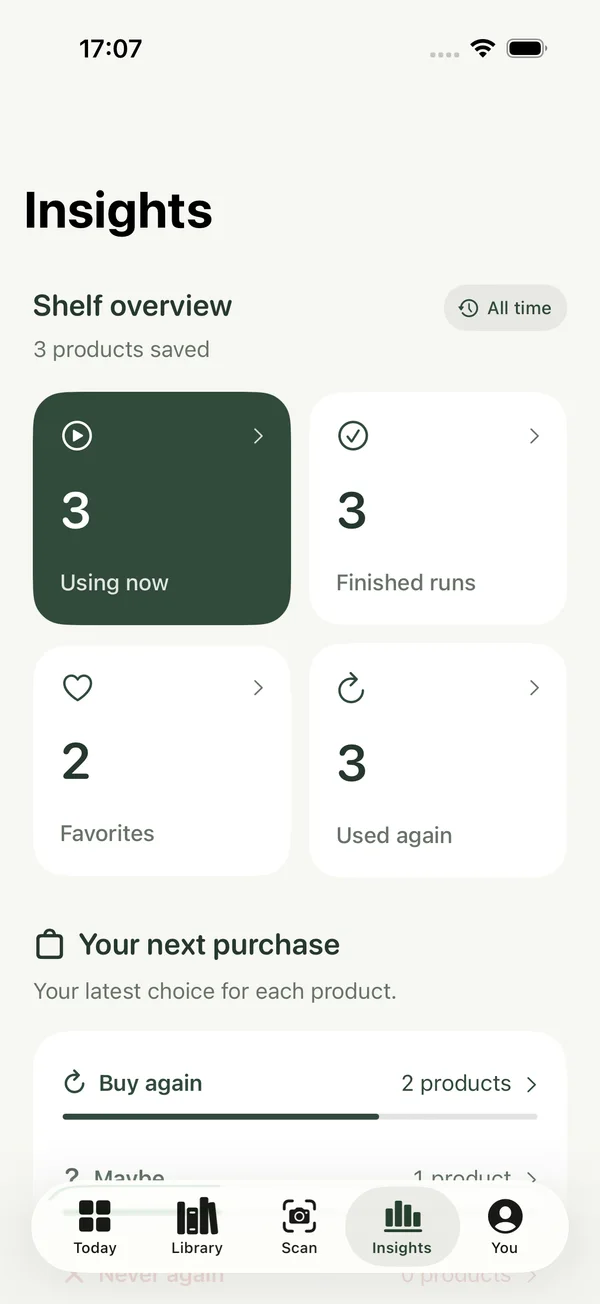
Search your products, brands and notes. Revisit your favorites and verdicts. A repeat purchase starts a fresh run while your earlier experience stays intact.
Actual development screens with illustrative data. Interface may evolve.
Built around real life
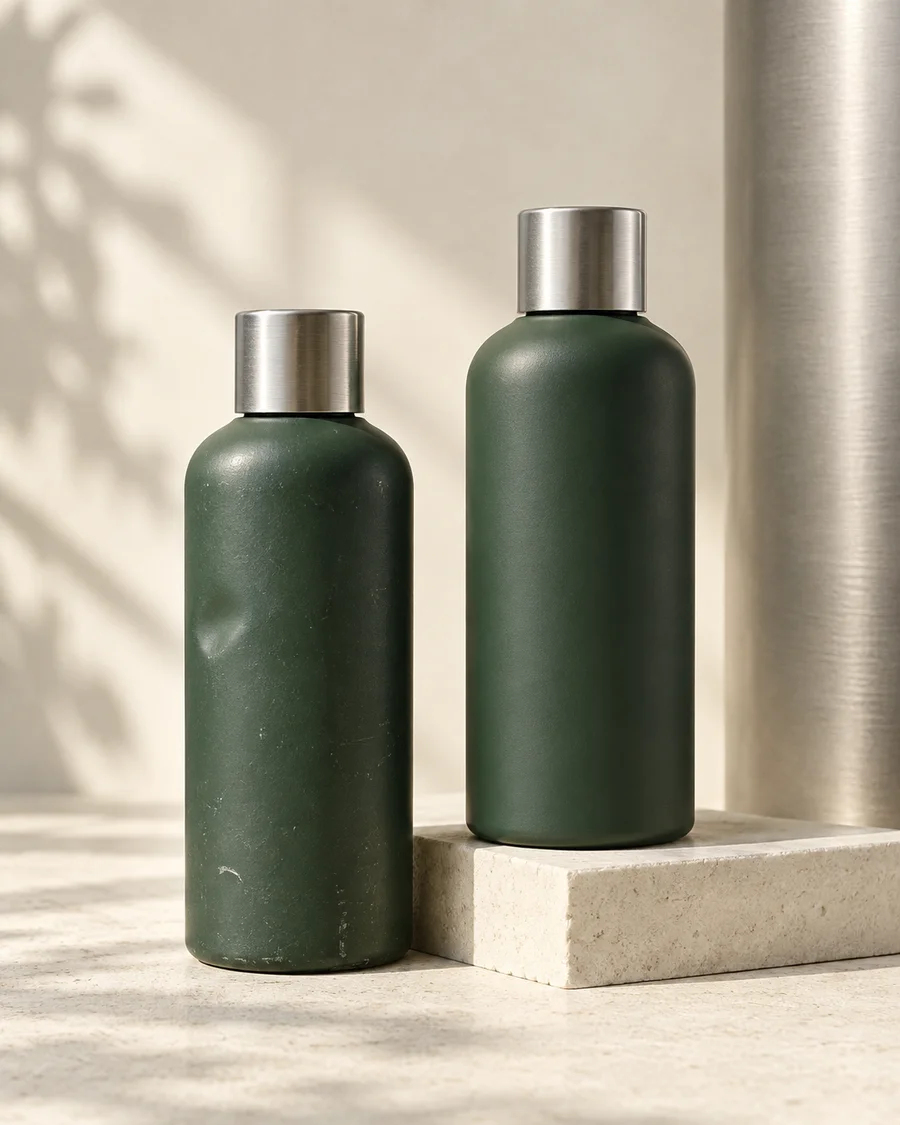
Buying it again shouldn’t erase what came before.
Uselyt keeps every purchase and use in its own run. Your dates, check-ins, finish and verdict stay connected to that chapter, so your history grows with you.
Illustrative history, not a product performance claim.
A shelf that feels like you
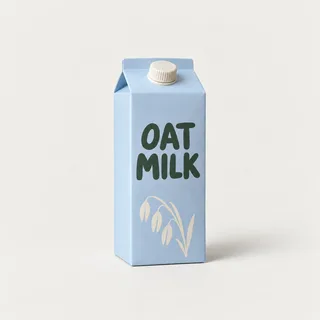
Try the sample shelf. Find an old favorite, narrow it down, and choose the verdict you’d want to remember.
♡ ♡
♡
No memories match this search. Try a product name, category or note.
3 sample memories. Changes stay in this page and reset when you reload.
Photos, names, brands, size and personal notes. Skincare, haircare, bodycare, food and drink, home, or something else entirely. Optional purchase dates stay optional.
Search products, brands and notes. Move between Using, Favorites, Buy Again, Maybe, Never Again and Finished to find the experience you’re looking for.
See finished runs, favorites, repeated use and your latest choices. After three valid dated finishes of the same product, see its typical lifespan, range and the history behind the estimate.
Optional local reminders for a first check-in after seven days or near a usual finish when there’s enough history. Off by default, with your preferred time. Food and drink are excluded unless you enable them.
A little help with the label
A photo can help with the details.
The final word is always yours.
With an account, choose Analyze photo and confirm sharing the selected JPEG, including visible text. Uselyt sends it to OpenAI GPT-4.1 mini for suggested details, readable ingredients and visible observations.
Review, edit or dismiss anything that comes back. Applying suggestions updates a draft. Saving the product is a separate choice. Manual capture is always available.
How photo analysis handles data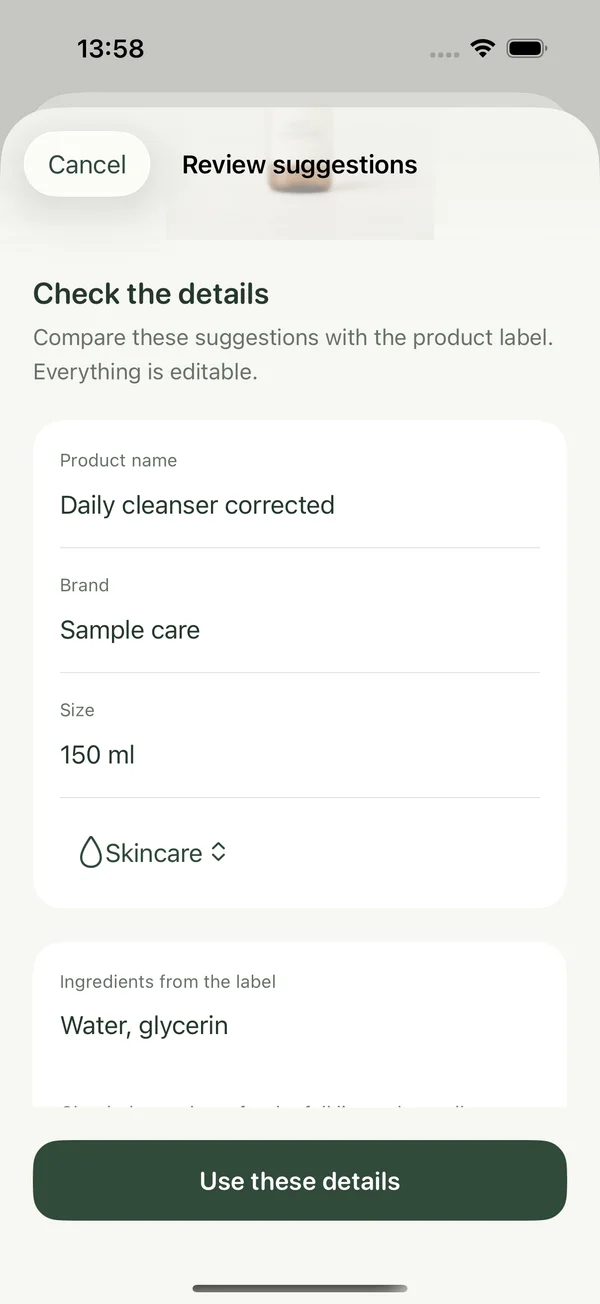
Photo analysis allows 20 attempts per account per UTC day. Suggestions cannot guarantee safety, allergens or remaining volume. Uselyt does not store the analyzed photo or result on its servers; OpenAI retention still applies.
Personal means personal
Your products, photos, notes and drafts are stored locally. Signing in doesn’t upload your shelf.
Guest and account shelves stay separate. Copy a guest shelf into an empty account shelf only when you choose. The guest copy stays. Sign out and return to your guest shelf.
Sign in with Apple, edit your display name and manage your account. Delete a product, reset the current shelf or request account deletion in the app. A profile photo, if you add one, stays local.
Account services process sign-in and profile information. Photo analysis sends a selected photo only with your confirmation. This website loads no advertising or third-party analytics scripts.
Uselyt is in development for iPhone with iOS 17 or later and an English interface. There is no public App Store or TestFlight download yet. This website shows the current product direction and development interface. Availability and pricing will be shared when confirmed.
Anything you’d like to keep a personal experience of. Categories include skincare, haircare, bodycare, food and drink, home and other. Capture a product manually or with a photo, then keep its notes, runs and verdicts together.
You can keep a local guest shelf and capture products manually. An account uses Sign in with Apple and is required for optional photo analysis. Signing in doesn’t upload products. An explicit import can copy guest products into an empty account shelf.
The shelf is stored on your iPhone. Product cloud sync and a Uselyt cloud backup are not available. Keep this in mind before deleting the app, resetting a shelf or changing devices.
After at least three valid dated finished runs of the same product, Uselyt derives a median duration and shows the recorded range and run count. It’s an estimate from your history, not a measurement of remaining contents or a guarantee of when you’ll finish.
No daily logging is required. A check-in can be a quick reflection when you have one. Optional reminders are off by default and use local iPhone notifications, with a time you choose.
Analysis may suggest readable ingredients or visible observations, but it can miss or misread information. Check the actual package and manufacturer guidance. It cannot guarantee allergens, freshness, safety or exact remaining volume.
There are no site-set advertising or analytics cookies. If you save a motion preference, this browser stores that choice locally. Cloudflare processes technical requests to deliver and protect the website. Read the Cookie & Storage Notice or .
A little more considered, from here
Uselyt is in development for iPhone.
Have a question or an idea? We’d love to hear it.
